7 Steps to Connect ChatGPT with Your Apps Using Composio
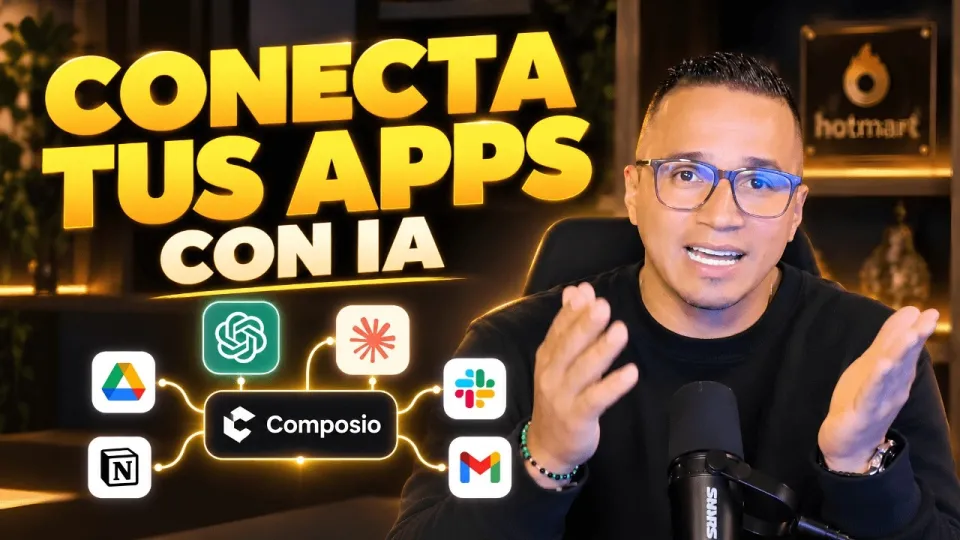
Video: Conecta ChatGPT, Claude y tus apps: así haces más con Composio
· based on the channel DataEdu
Key takeaways
- Composio offers native and external connectors for AI app integration.
- Google Drive can be authorized and connected with ChatGPT via Composio.
- Connectors require specific permissions for actions such as reading or writing files.
- Composio supports integrations with ChatGPT, Claude, Manus IA, and more.
- Automation with AI assistants boosts productivity and streamlines workflows.
Connecting ChatGPT with your favorite applications has become easier thanks to Composio, a platform that facilitates AI assistant integrations with the tools you already use. Composio offers both native and external connectors to link ChatGPT, Claude, Manus IA, and other AI assistants to applications such as Google Drive, enabling automation and enhanced productivity. You can explore how to authorize accounts, manage permissions, and utilize various actions through these connectors to maximize your workflow efficiency. Discover more resources and bonuses on AI storytelling and data analysis at DataEdu Storytelling Book.
Understanding Composio Connectors for ChatGPT
Composio provides two main types of connectors: native and external. Native connectors are built-in integrations that connect directly with popular apps, ensuring seamless interaction and better performance. External connectors, on the other hand, allow you to connect applications that may not have official integrations by using APIs or third-party services. For ChatGPT, these connectors enable the AI to perform tasks such as accessing files, managing documents, or interacting with databases within your connected apps.
How to Connect Google Drive with ChatGPT Using Composio
Connecting Google Drive to ChatGPT through Composio involves a simple authorization process:
- Log in to your Composio account and select the Google Drive connector.
- Authorize Composio to access your Google Drive account by granting the required permissions.
- Review the actions available such as reading files, creating documents, or updating spreadsheets.
- Configure workflows where ChatGPT can automate tasks like summarizing documents or extracting data.
This setup enables ChatGPT to interact with your Google Drive files securely, streamlining document-related tasks.
Permissions and Security Considerations
Every connector requires specific permissions that define what ChatGPT or other AI assistants can access or modify. For example, the Google Drive connector may request permissions to read, write, or delete files. It is crucial to understand these permissions to ensure data security, especially when handling sensitive information. Users should verify that connectors comply with organizational policies and data protection standards before enabling access.
Extending AI Integration to Claude, Manus IA and Other Tools
Besides ChatGPT, Composio also supports other AI assistants like Claude and Manus IA. The integration process is similar: select the compatible connector, authorize access, and define the actions you want the AI to perform. This flexibility allows you to combine different AI tools within your workflows, enhancing productivity and automating complex tasks across multiple platforms.
Common Questions and Troubleshooting
Many users wonder about the safety of connecting AI assistants to apps that contain sensitive data, such as Power BI semantic models. It is important to assess each connector’s security measures and permission scopes before integration. Additionally, users should test workflows with non-sensitive data first to ensure everything functions as expected. Composio provides documentation and support to assist with setup and troubleshooting.
Useful Links
- DataEdu Storytelling Book — Transform dashboards into clear, professional stories.
- Excel DataEdu — Master Excel and automate data analysis.
- Learn DAX — Advanced data analysis techniques.
- Instagram: https://www.instagram.com/dataedu.co/
- LinkedIn: https://www.linkedin.com/in/didier-atehortúa-morales-83855515b
Summary
Composio offers a practical and secure way to connect ChatGPT and other AI assistants with the applications you use daily, like Google Drive. By leveraging native and external connectors, you can automate tasks, improve productivity, and create complex AI-driven workflows. Understanding authorization, permissions, and the capabilities of each connector is essential for a smooth integration. For further learning and resources, visit DataEdu’s Storytelling Book and related courses. DataEdu is the author of this comprehensive guide, continuing to provide valuable insights into AI and data productivity.
Source: Conecta ChatGPT, Claude y tus apps: así haces más con Composio · Markdown version
Questions & answers
Is it safe to connect Composio to apps with sensitive data like Power BI semantic models?
Connecting Composio to apps with sensitive data requires careful consideration of permissions and security policies. Ensure that the connectors only access necessary data and comply with your organization's security standards before integration.
What types of connectors does Composio offer for integrating ChatGPT?
Composio offers native connectors, which are built-in and optimized for popular apps, and external connectors that use APIs or third-party services to link ChatGPT with other applications.
Can Composio connect AI assistants other than ChatGPT?
Yes, Composio supports integrations with other AI assistants such as Claude and Manus IA, allowing users to automate workflows across multiple AI tools.
What permissions are needed to connect Google Drive with ChatGPT via Composio?
Permissions typically include the ability to read, write, and manage files on Google Drive. Users must authorize these permissions during setup to enable ChatGPT to interact with their Drive content securely.